Blog
Short guides for everyday PDF tasks: highlight text, add notes, draw arrows, work with scans, and save or print the result.
-
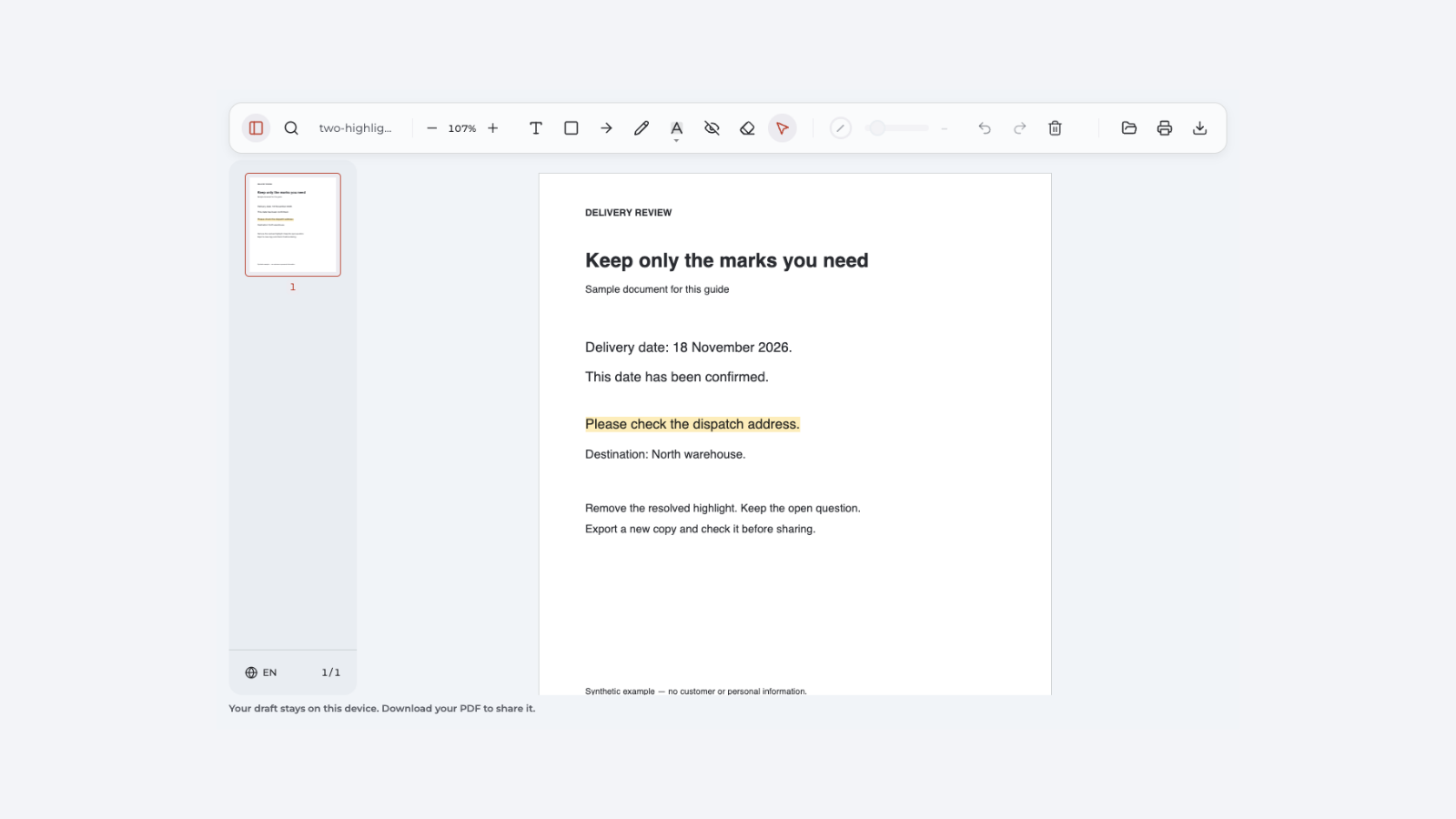
How to remove highlighting in PDF
Remove editable highlights, diagnose stuck marks, and check the saved PDF without changing its text.
-
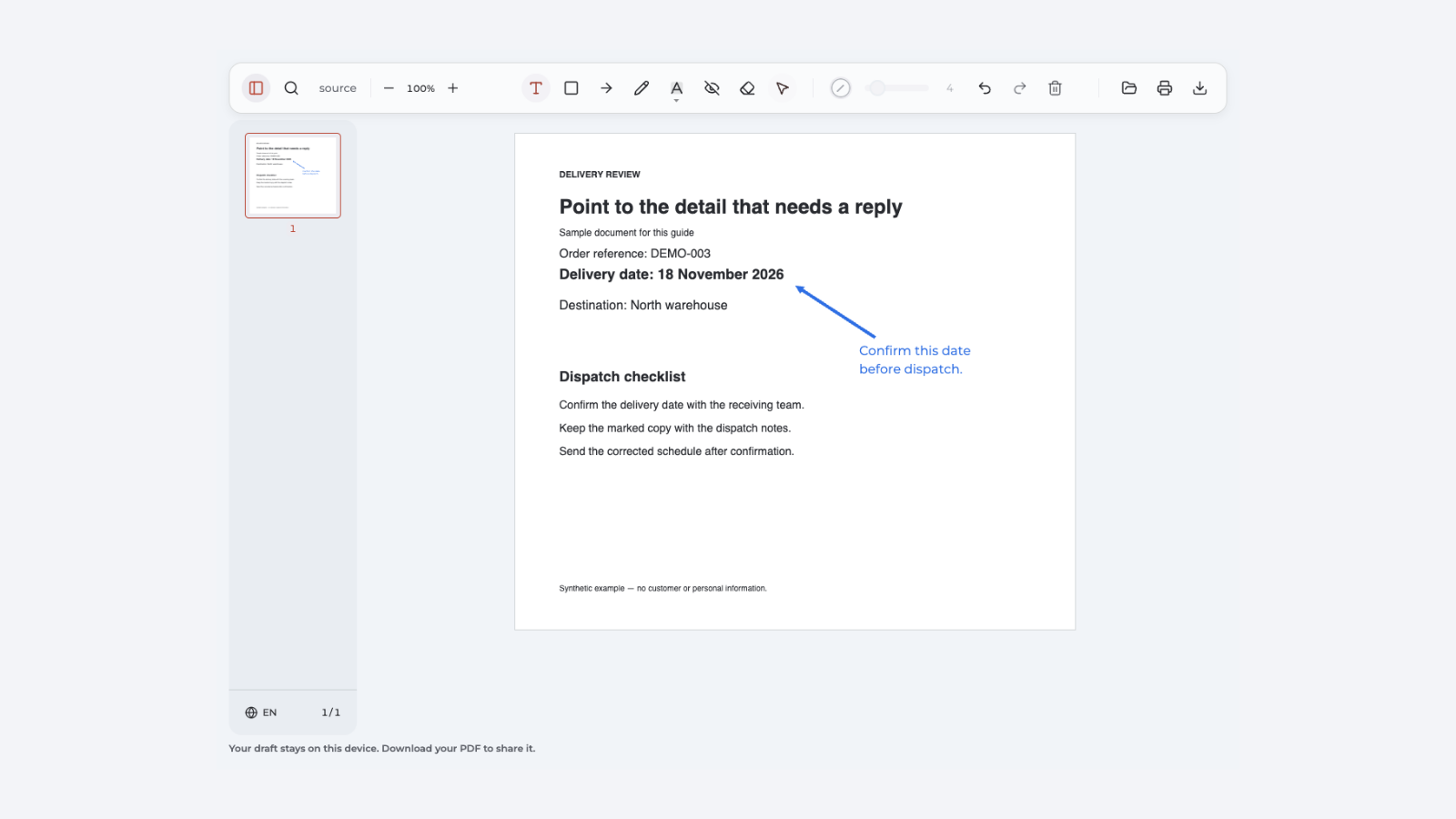
How to add arrows to PDF
Point to the right detail, adjust an arrow, and save a clear PDF with a useful note.
-
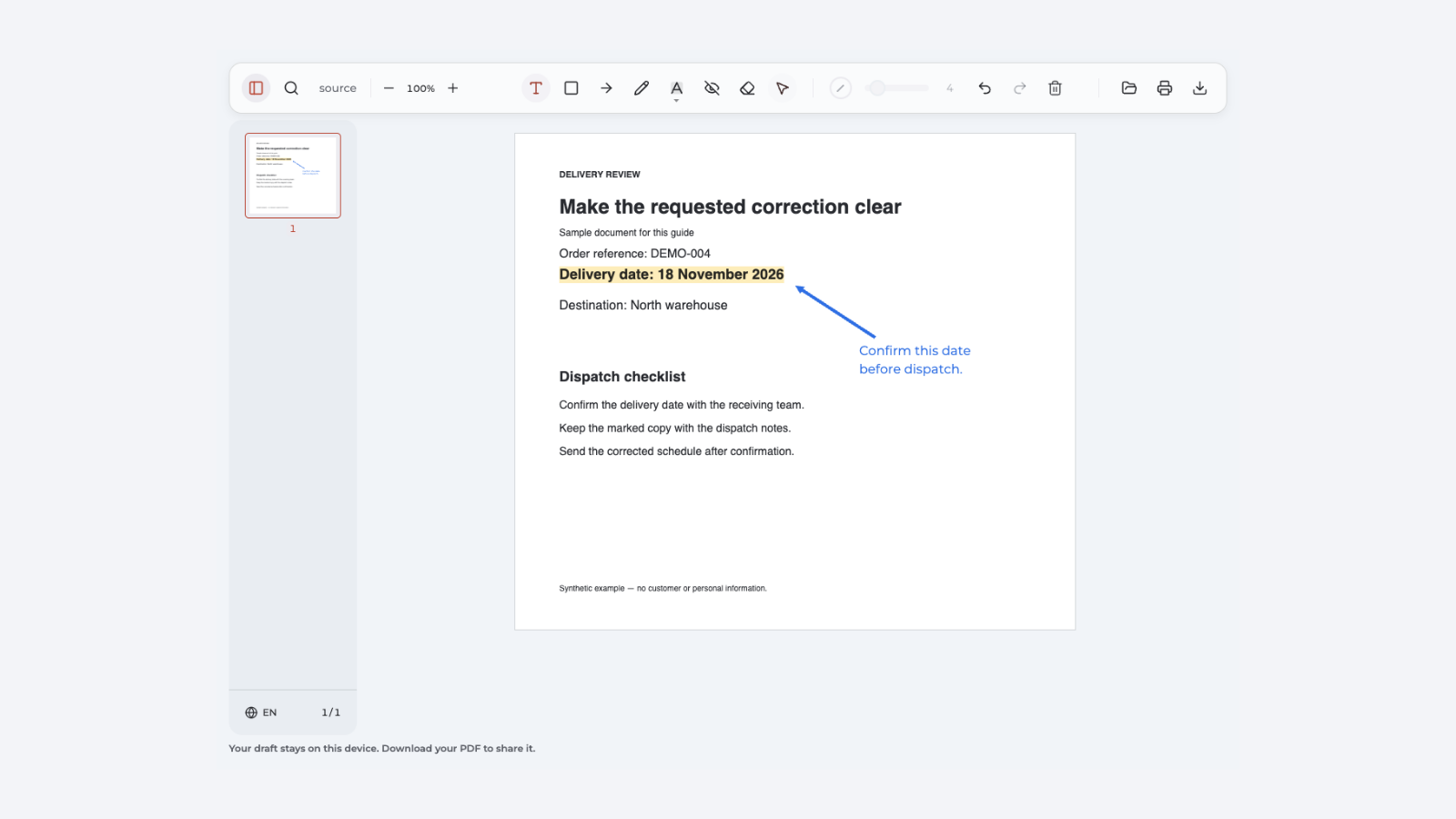
How to annotate a PDF
Highlight key passages, add clear notes and arrows, then export a PDF you can check and share.
-
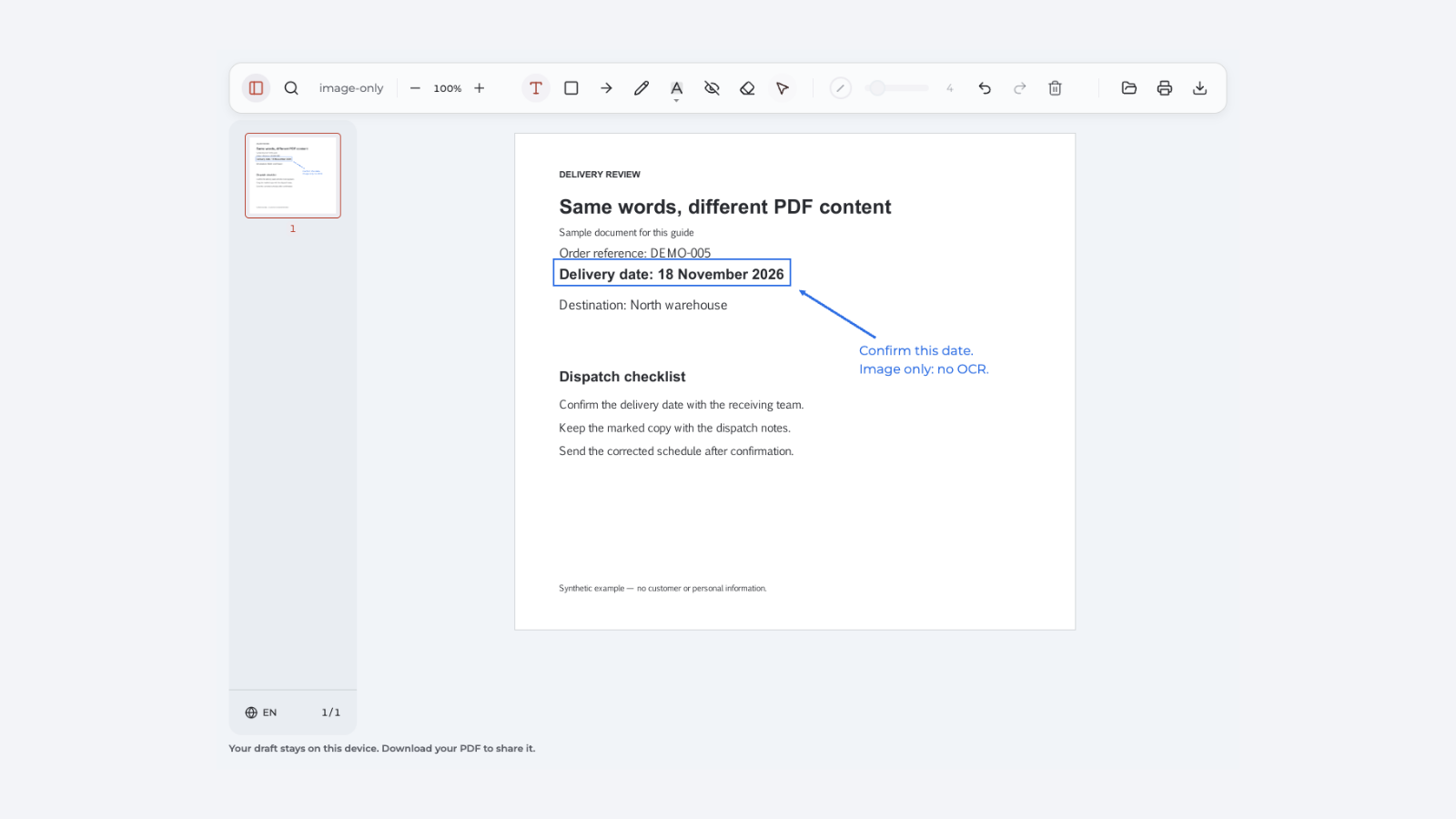
Can't select text in PDF
Check selection tools, scans, permissions, and text layers to find the right fix.
-
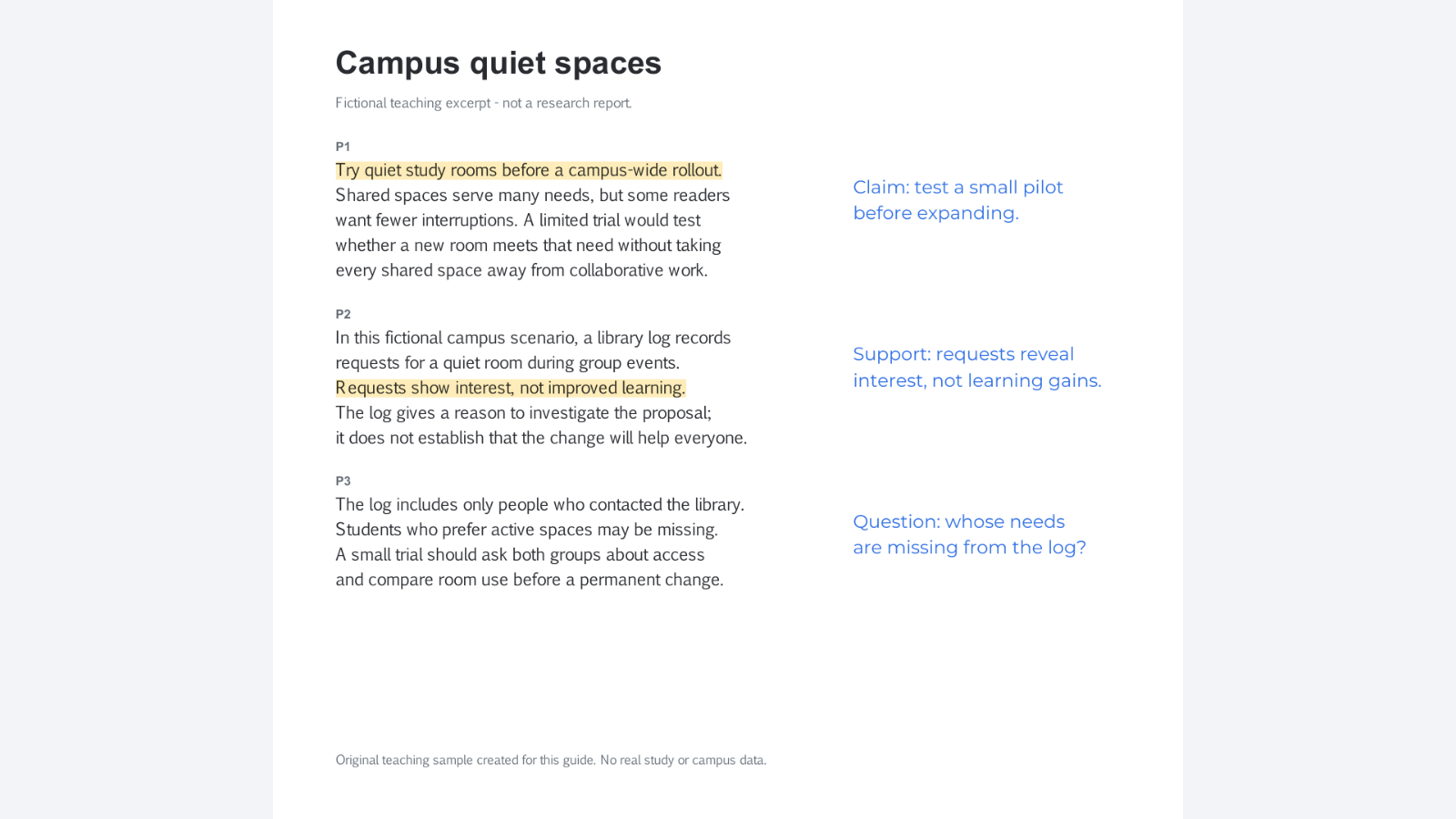
How to annotate an article
Identify claims, examine evidence, and write purposeful notes for discussion or research.
-
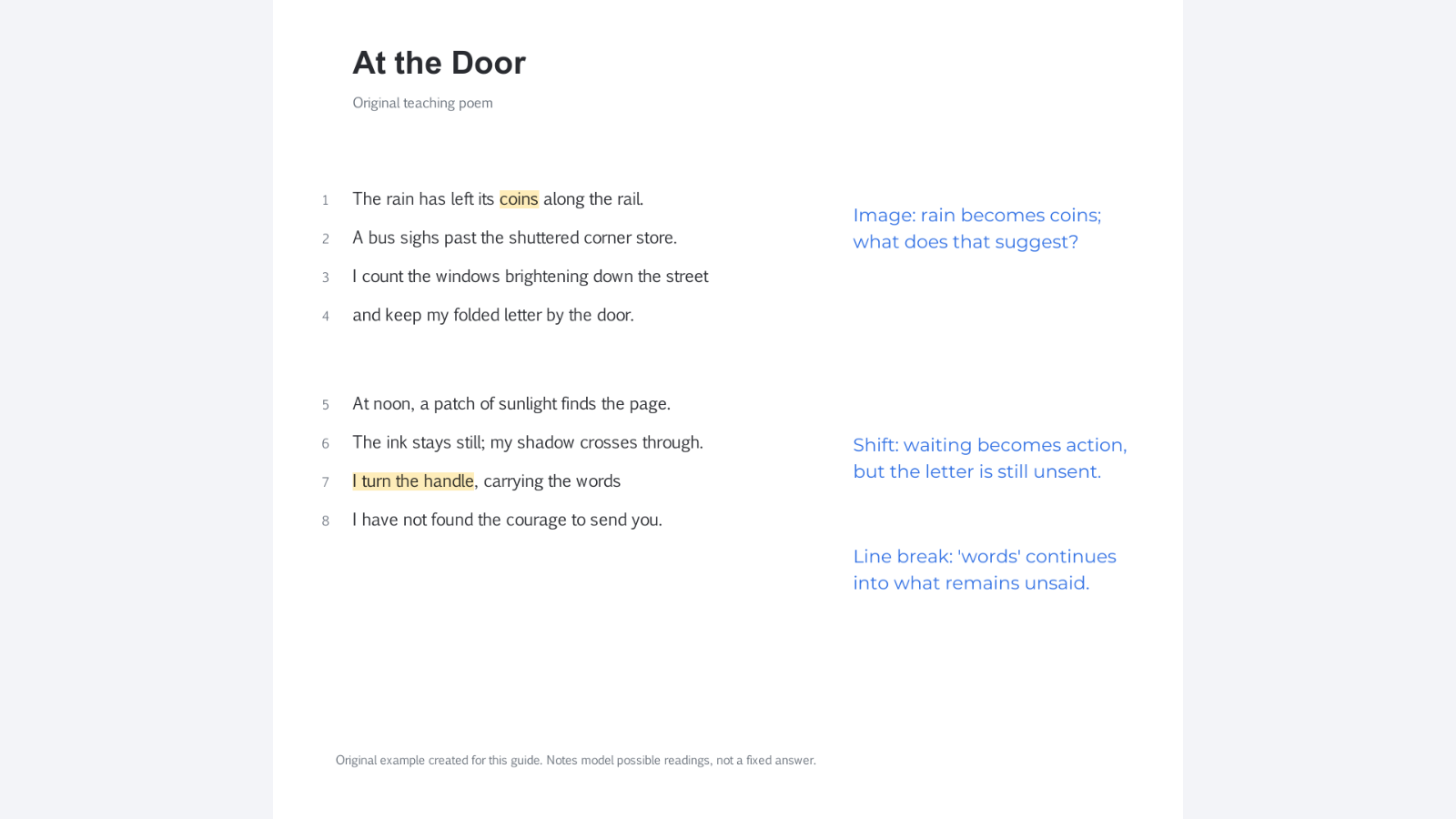
How to annotate poetry
Read a poem closely, connect notes to specific lines, and keep a clear annotated copy for discussion.
-
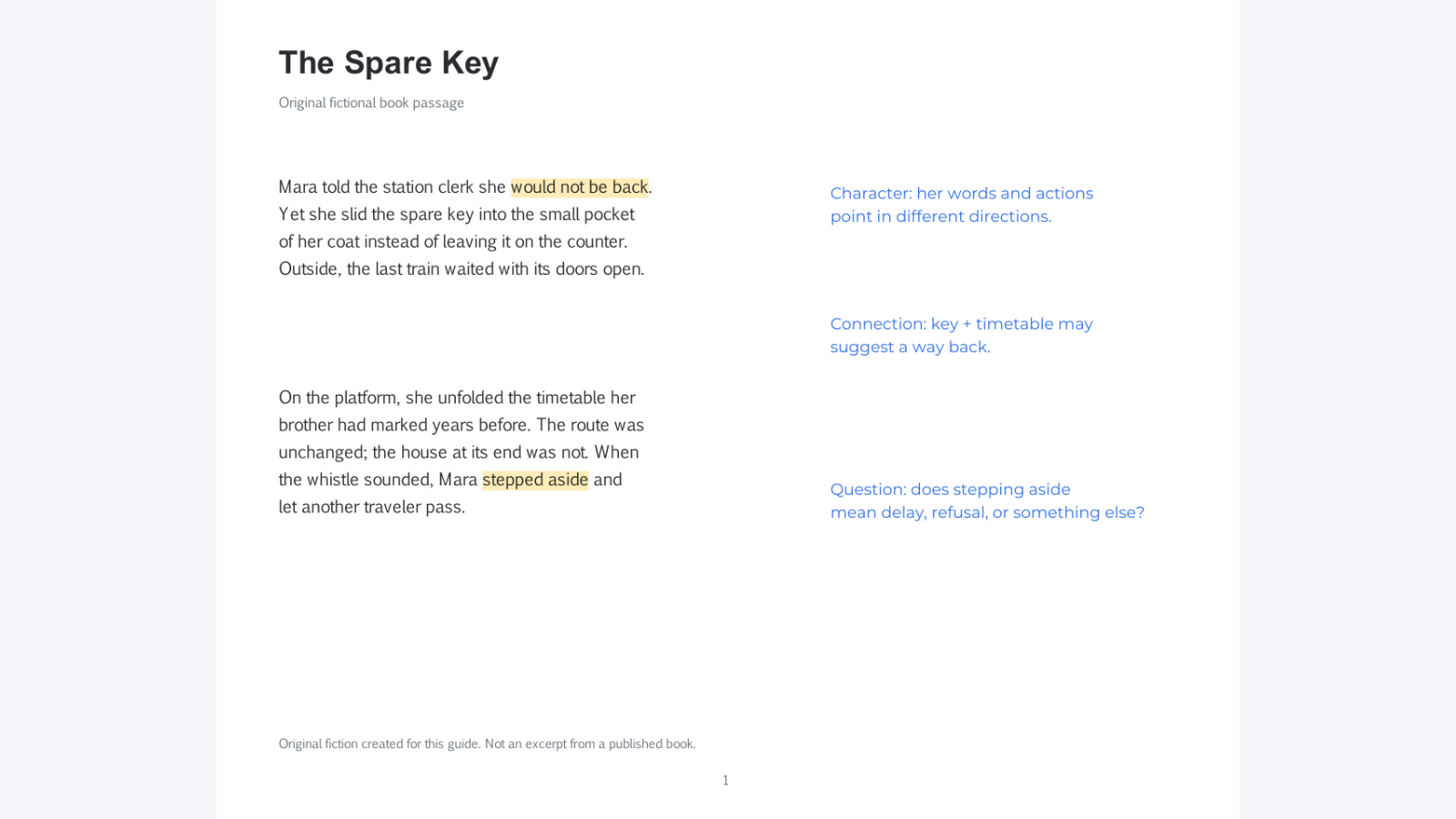
How to annotate a book
Choose useful passages, write meaningful notes, and revisit them for reading, class, or a book club.
-
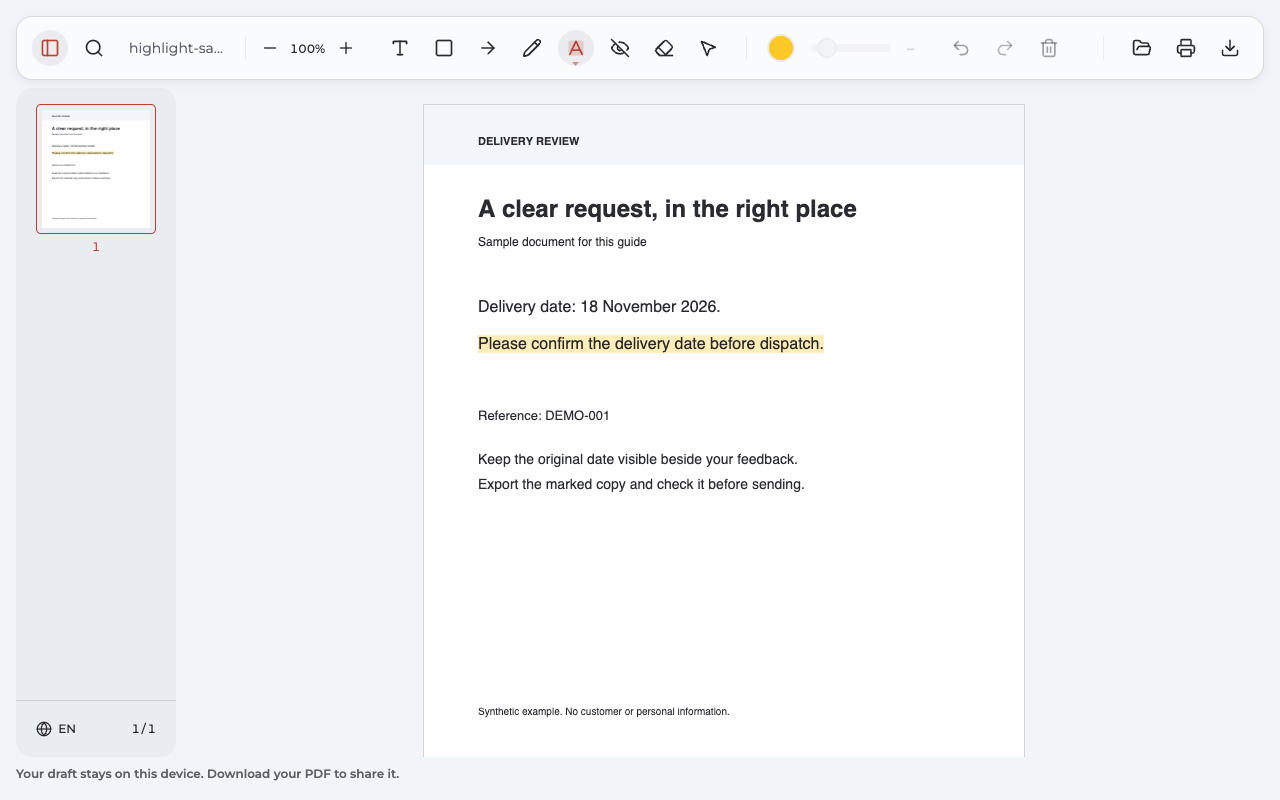
How to highlight a PDF
Highlight a passage, choose its color, fix selection problems, and save a marked copy.
-
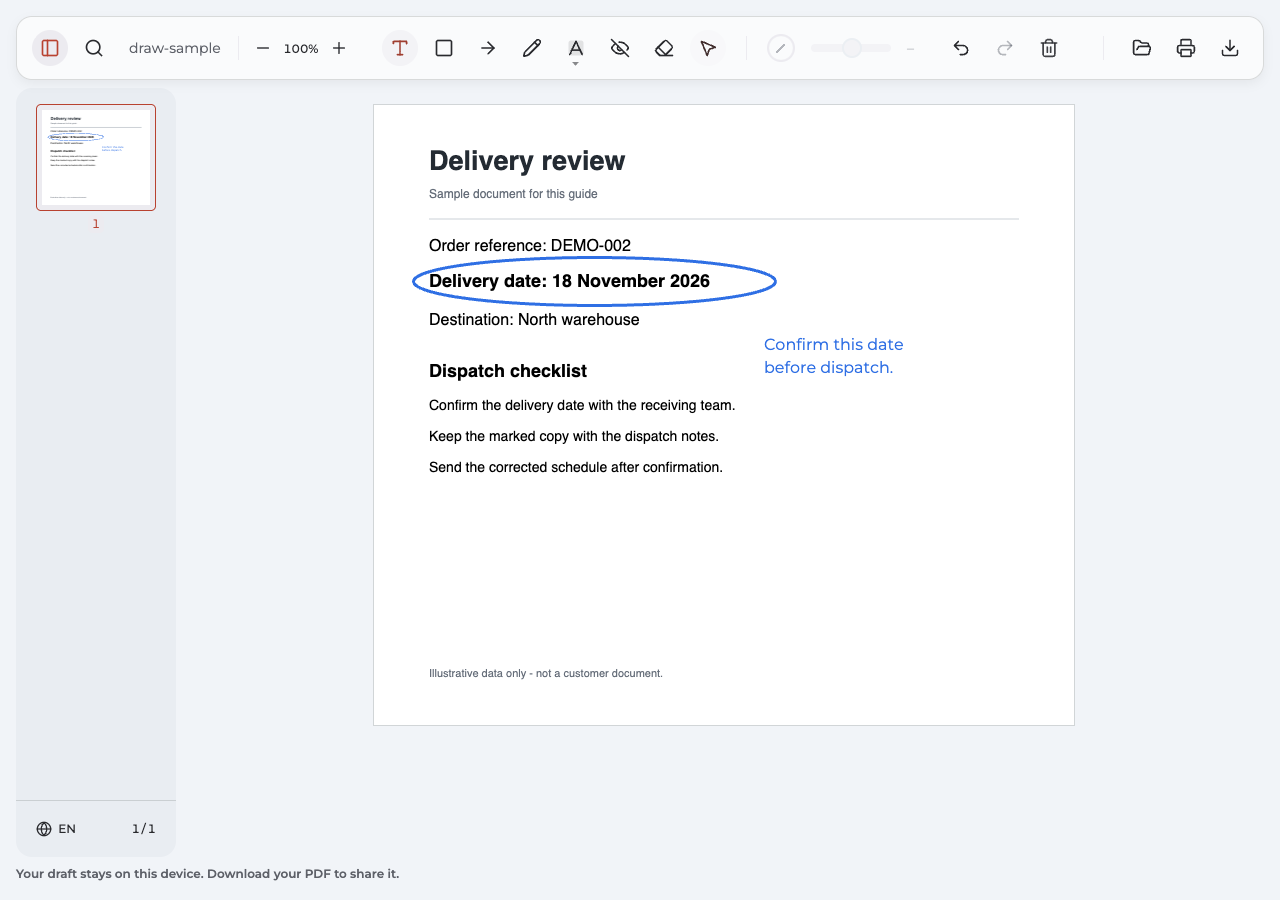
How to draw on a PDF
Draw freehand marks, add a clear note, and export a PDF you can check and share.
-
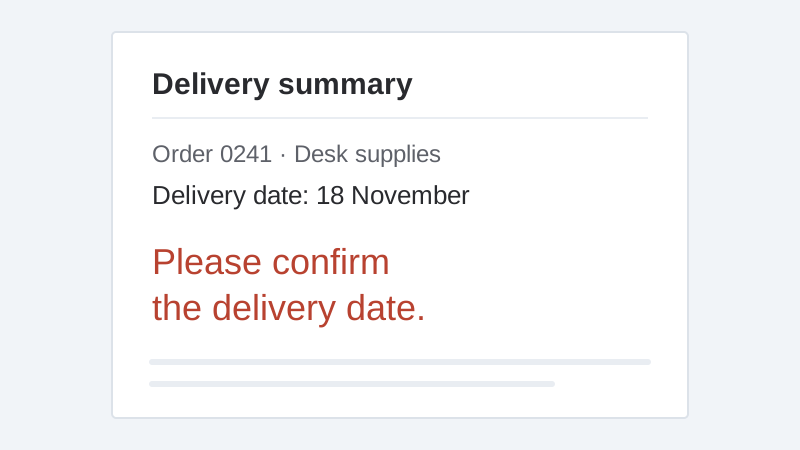
How to add a text box to a PDF
Type, move and resize your text in Chrome, then export and check the finished file.